 KOPSY Home
Start with the right tool.
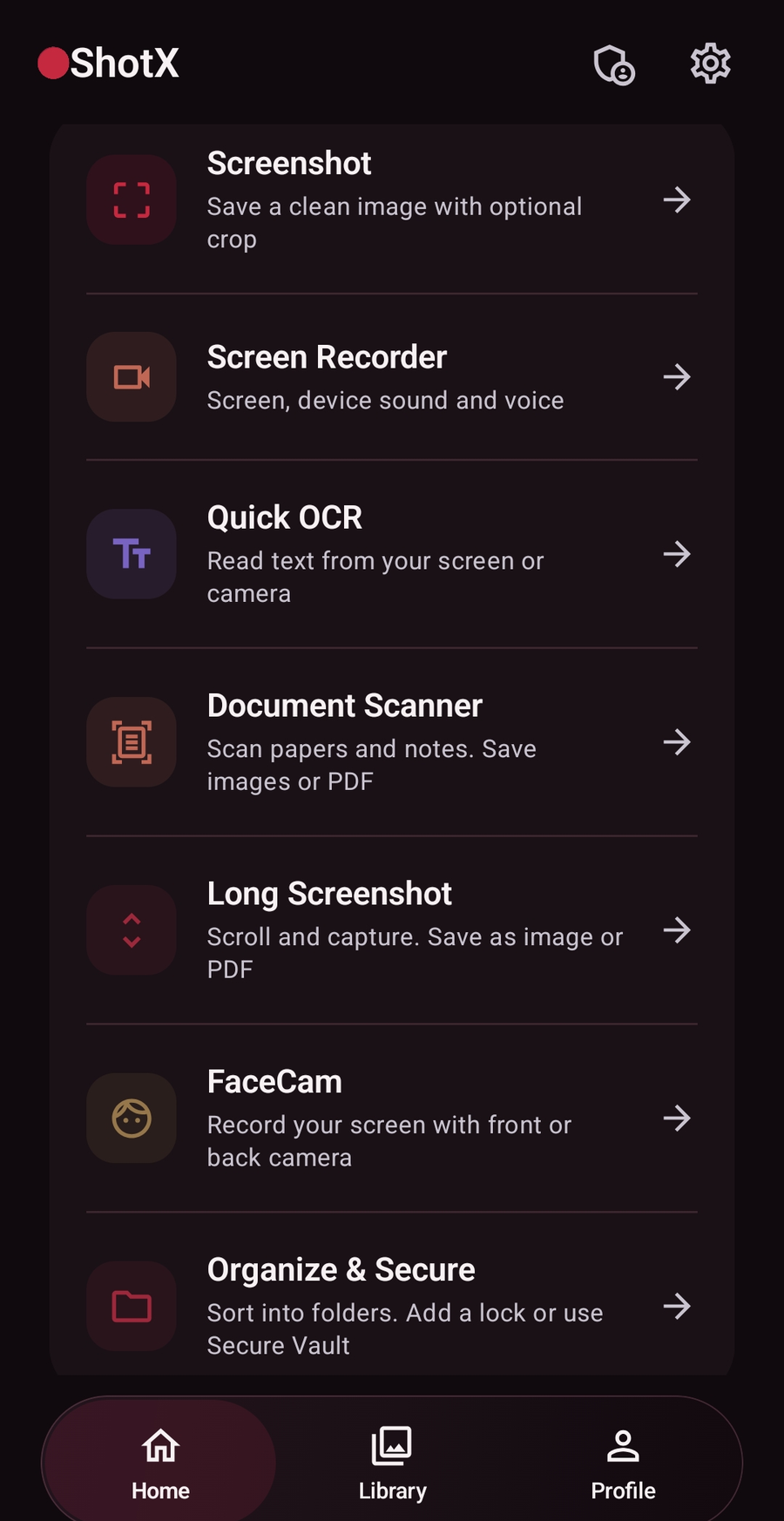
Take a screenshot, record your screen with audio, add FaceCam, build a Long Shot, scan a document or recognize text. Quick OCR offers on-device translation when its language model is available.
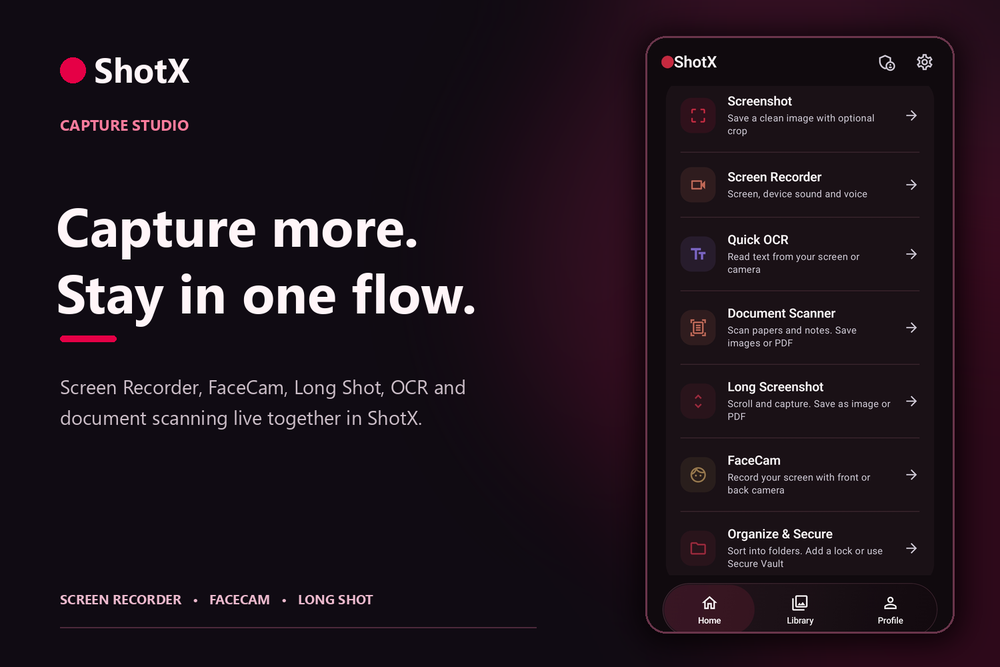
The whole screen, in your space.
Capture or import images, videos and documents. View them inside ShotX, find them in your private Library, and choose what to lock. Record only the area you need.
Public Google Play release pending. Demo available now.
The experience
Most capture flows end with a file scattered across your phone. ShotX keeps capture, organization and viewing together, so the next step feels as easy as the first.
Take a screenshot, record your screen with audio, add FaceCam, build a Long Shot, scan a document or recognize text. Quick OCR offers on-device translation when its language model is available.
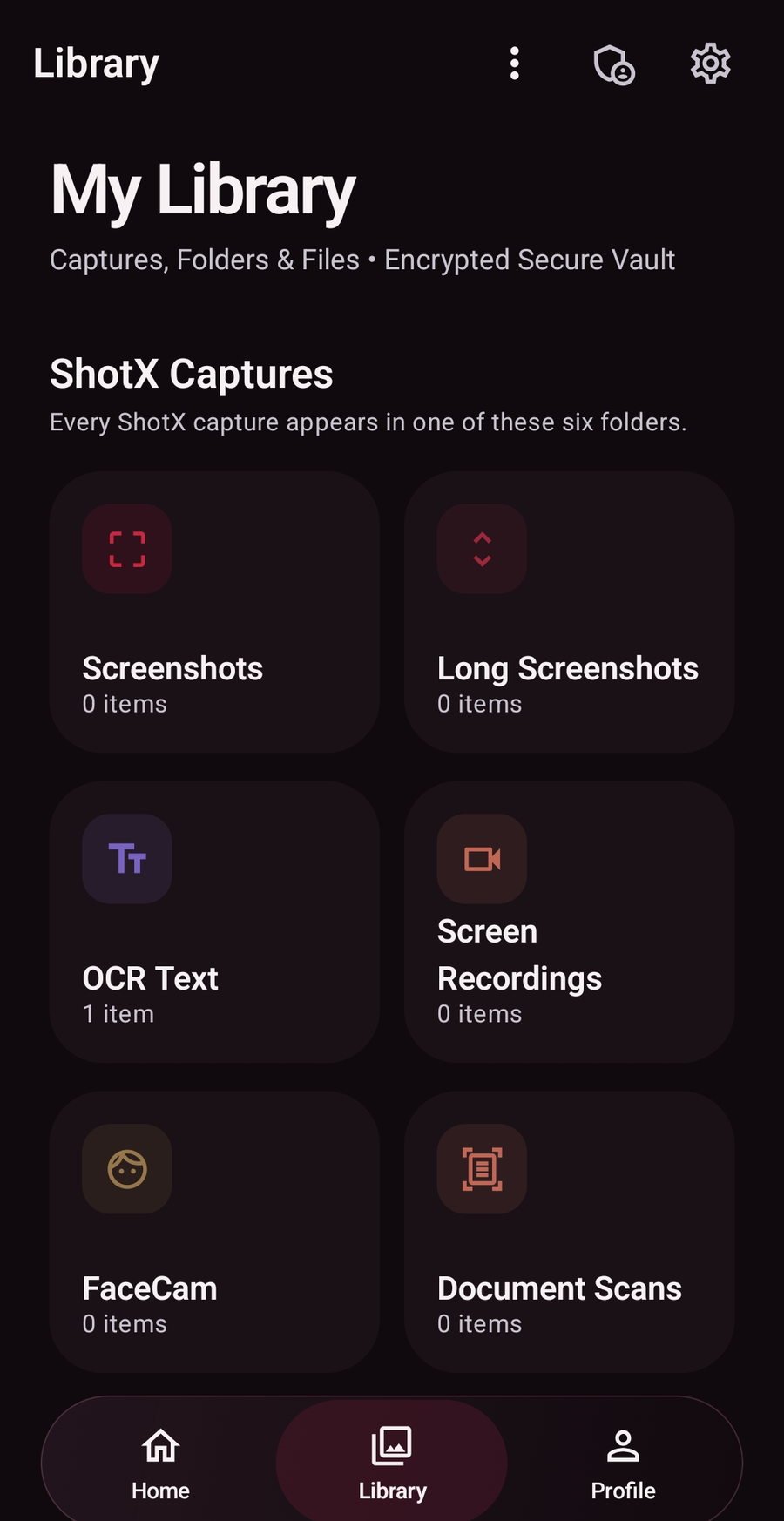
New captures are organized by type in the private Library. Bring in your own files, too, and open supported images, videos, documents and PDFs in ShotX’s built-in viewers.
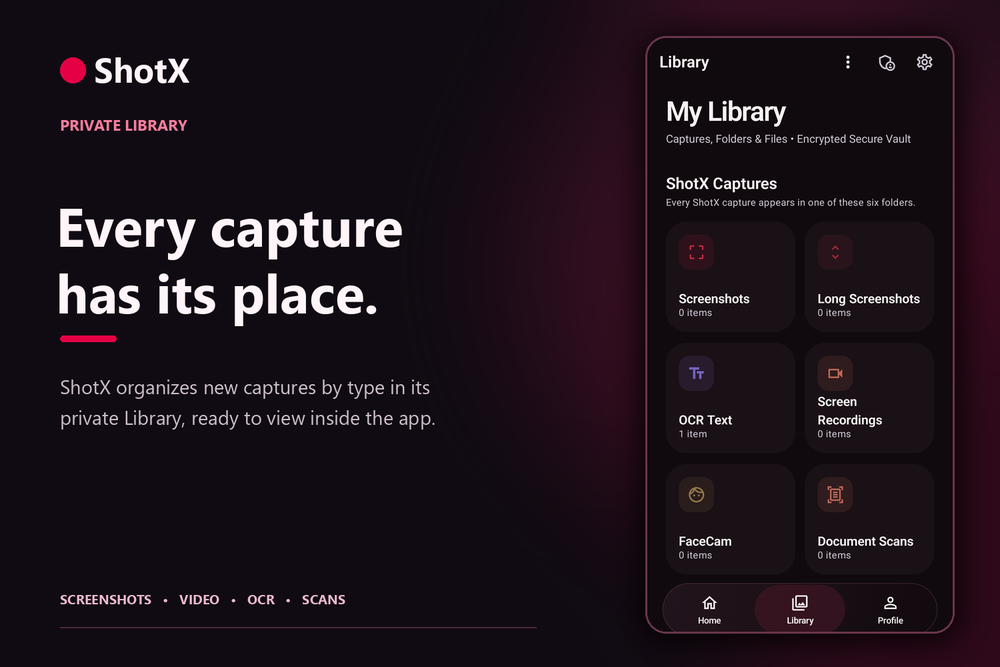
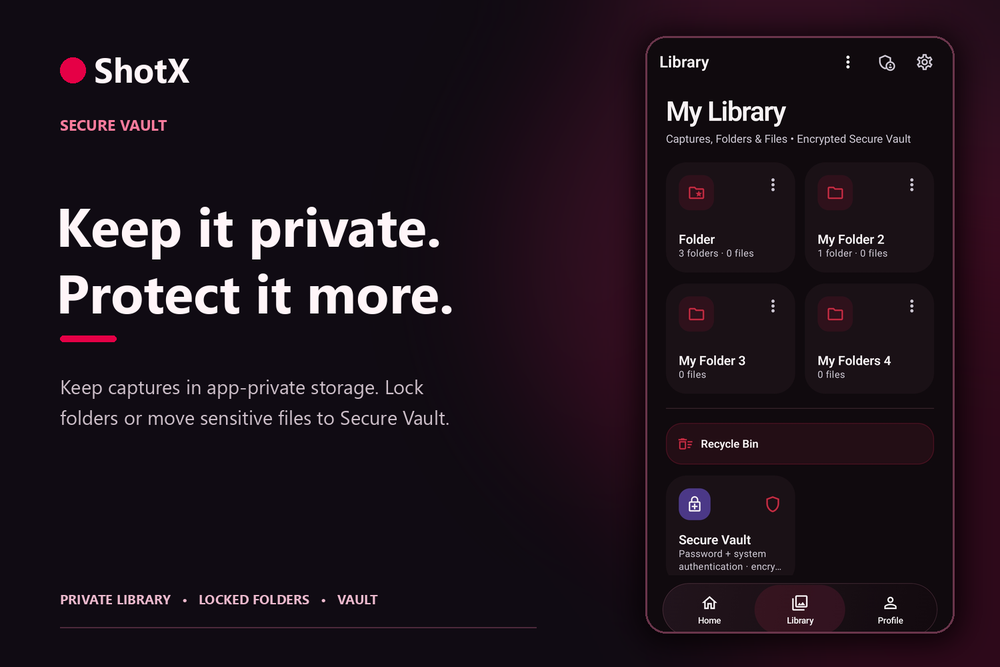
Keep ordinary captures in app-private storage, lock selected folders with device authentication, or move sensitive files into encrypted Secure Vault.
Import files
Import an image, video or document as a private ShotX copy. Open it in ShotX’s image viewer, video player or document/PDF viewer. Keep it in the Library, place it in a folder protected by your phone’s authentication, or move it into encrypted Secure Vault. Your source original stays where it was unless you choose removal and that removal succeeds.
More than a recorder
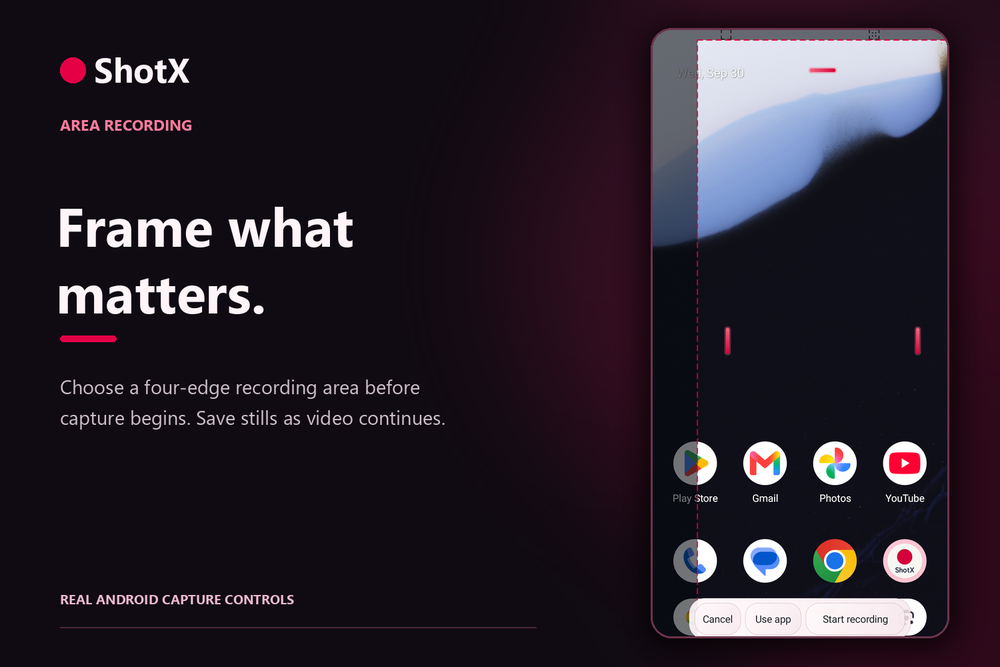
With optional floating controls enabled, ShotX lets you select a four-edge recording area before you start. During an active recording, save separate screenshots without stopping the video. Pause and resume when the moment calls for it.
Android screen-sharing consent is required. Protected content and some audio may be unavailable under Android’s rules.
Private by design
ShotX keeps new captures out of the phone’s public Gallery by default. You decide when to share or export them, and which files need an extra gate.
New ShotX captures stay in app-private storage and are organized by capture type. Sharing and exporting require your action.
Protect selected ordinary folders with your phone’s biometric or screen-lock authentication. These folders are app-private, but not separately encrypted.
Move selected files into encrypted storage. Opening the Vault requires separate authentication.
ShotX does not send your captures or Vault files to us by default. If you choose to send or export a copy, you choose its destination; ShotX does not receive that copy.
Read the full privacy policyPro access
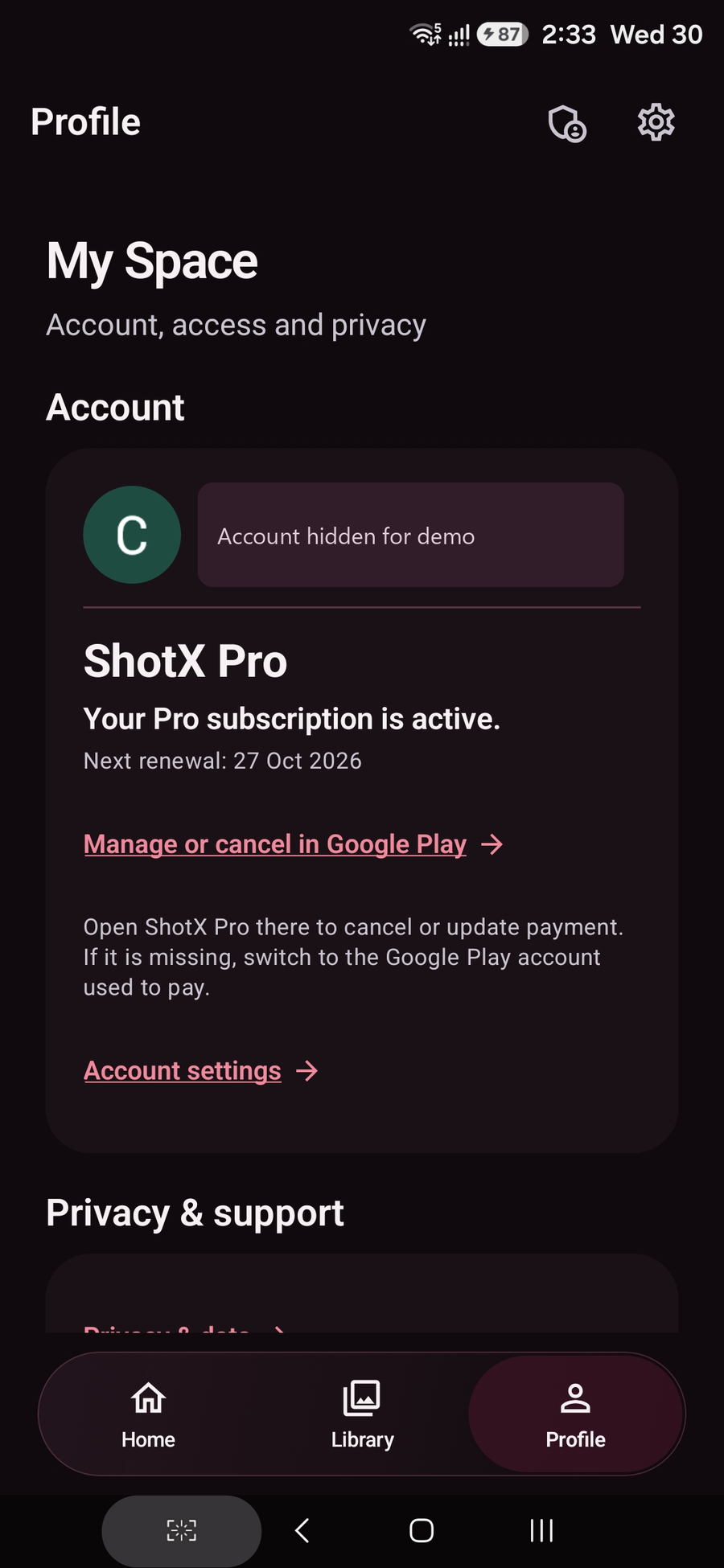
ShotX Pro removes the watermark and ads and gives you unlimited Screen Recorder and FaceCam starts. The paid Pro status shown here comes from a real Google Play purchase during testing.
Plan and renewal details are shown in the app, with subscription management in Google Play. Your captures and Vault files remain on your device by default.
Purchase and restore validation, reviewer access, device checks and Play policy review are being completed before public release.
See ShotX in motion
A short walkthrough of the real Android app, from recording tools to the private Library and paid Pro status.
Availability
ShotX is available to approved internal testers while we finish device, purchase, restore, reviewer and policy checks. We’ll add the public Google Play listing here when it is live. The demo above is available to everyone now.
Good to know
Not yet. The public listing is pending review. We will place its link on this page when release checks and approval are complete.
No. We do not receive your recordings, screenshots, scans or Vault files, and we have no remote access to browse your private Library. They stay on your phone unless you choose to send or export a copy to a destination you select. Account, purchase, security and diagnostic data is handled separately, as explained in our privacy policy.
ShotX records where Android allows it, after you approve Android’s screen capture prompt. Protected screens and some audio may be unavailable. ShotX respects Android’s capture rules.
ShotX verifies a private copy first. Your original remains where it was unless you choose removal and the source provider completes it.